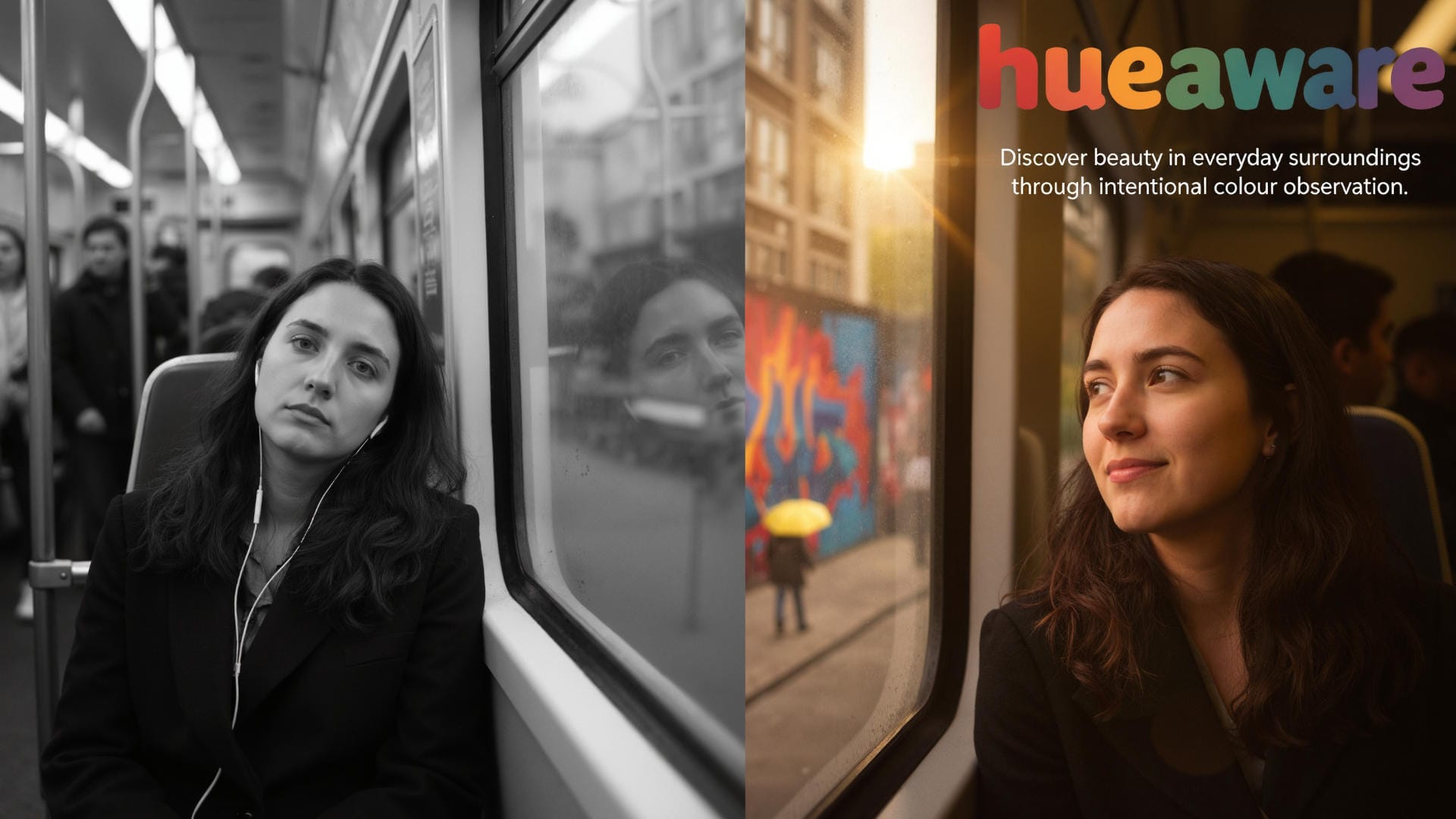
Creating the perfect social media post used to mean constant guesswork with sizes and ratios. One tiny mistake and your design looked off. But what if you could open your browser in the exact size each platform requires? That's where the Window Resizer tool comes in. A simple way to take the guesswork out of content creation.
Why Getting Dimensions Right Matters
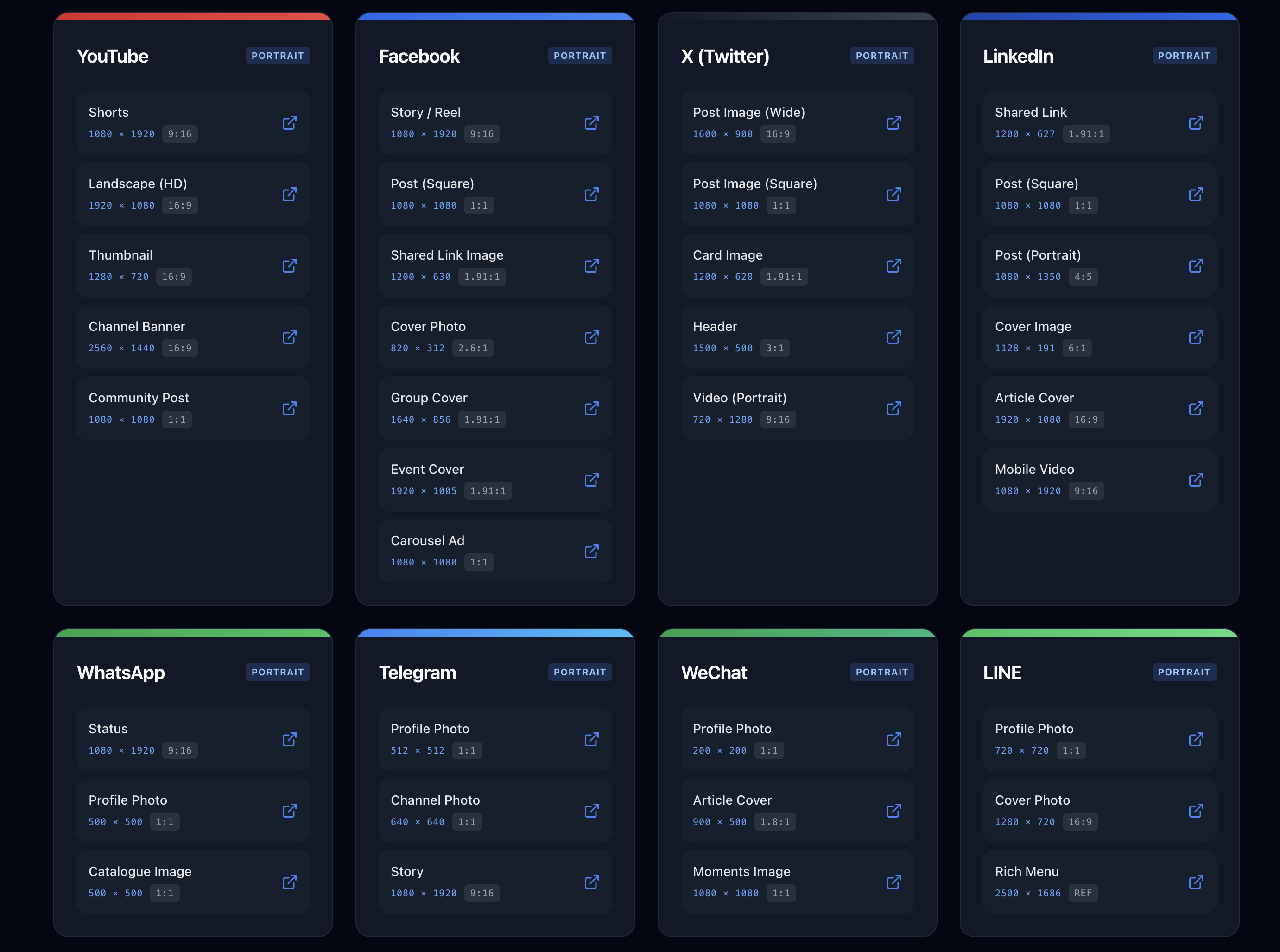
Every social media platform has its own preferred image and video sizes. Get them wrong, and you risk black borders, stretched content, or blurry uploads. Post an Instagram Story at the wrong aspect ratio and it won't fill the frame properly. Upload a YouTube video in the wrong resolution and your footage looks fuzzy instead of crisp.
Window Resizer fixes all that. It opens browser windows to the precise dimensions you need. You just click, and your workspace is instantly ready. No dragging corners, no manual measurements — just clean, accurate layouts.
What Sets It Apart
Most resizing tools offer basic options or rely on browser extensions, but this one goes a step further. It's built for creators who want professional precision without the hassle.
How It Works
1. Choose your platform from the list of 32.
2. (Optional) Paste a URL if you want to open it directly in that layout.
3. Click your chosen preset.
4. Test, record, or design content knowing the window matches the correct specifications.
Direct Launch Mode
If you make social media videos or tutorials, this mode is your shortcut. Add your website link, hit the platform button, and your page appears at the exact resolution needed for recording.
Ruler Tool Mode
No URL? You can use the built-in ruler app. It includes centre lines, scale markings, and safe zone overlays for checking video positions and visual balance.
How Smart Screen Fitting Works
Sometimes a platform's native size doesn't fit your screen. For instance, a YouTube Short (1080×1920) won't fit neatly on a 1080p monitor, so the tool automatically scales it to 608×1080. On a 1440p screen, you'll see the full 1080×1920.
You can record in the resized version and later scale it back up in your editing software without losing clarity or changing the aspect ratio.
Who Benefits Most
• Content creators who want videos sized right the first time.
• Social media managers checking layouts before publishing.
• Developers testing websites across different devices.
• Designers creating layouts that fit perfectly.
• Marketers refining adverts to match platform specs.
• Teachers and trainers producing tutorials that look professional.
The Technical Edge
This isn't just a resizer. It accounts for browser interface elements like title and address bars, ensuring the visible area fits each platform's format exactly. Add in features such as orientation switching, dimension presets, and quick URL recall, and you've got a full creative workflow rather than a one-off tool.
Real Results from Users
People who've switched to this tool report working twice as fast. They don't lose time cropping or resizing in an editor, and their final results look more polished and consistent across every channel. Designers appreciate how accurate the viewports are, and creators love knowing their videos will display exactly as intended.
Best of all it's free and no login required.
Launch pixel-perfect browser windows for recording TikToks, Reels, Shorts, and more. Includes ruler overlays for safe zones. 32 platforms, zero resizing.
Use the app